

Mesin neural MultiLipi tidak hanya "menerjemahkan kata"; ia mendukung rendering skrip yang kompleks, arah penulisan, dan nuansa budaya dari lebih dari 120+ bahasa. Baik Anda menargetkan pasar bervolume tinggi seperti Spanyol dan Mandarin, atau ekonomi berkembang yang strategis seperti Vietnam dan Swahili, infrastruktur kami memastikan situs Anda ditampilkan dengan sempurna.
Lihat Matriks Bahasa Lengkap
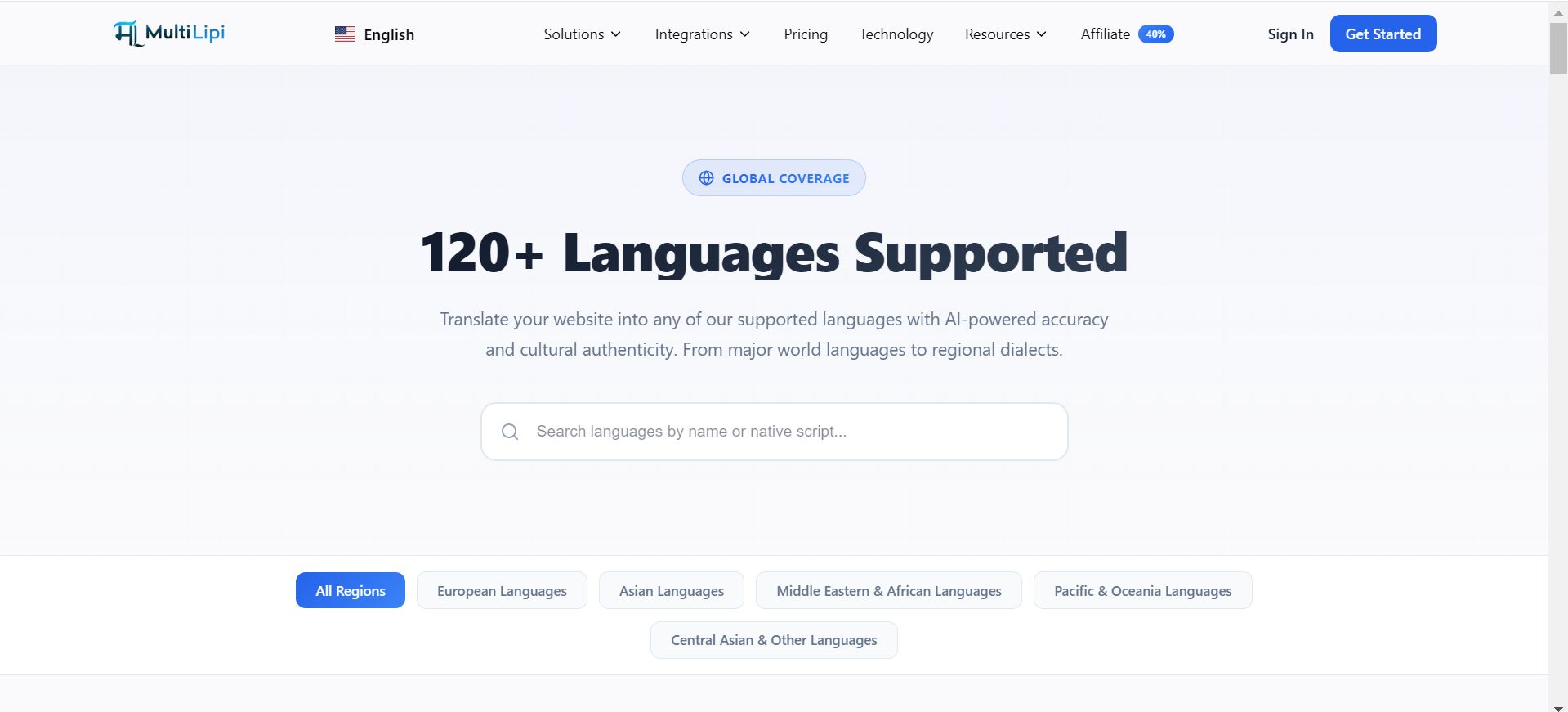
Matriks Cakupan Global
Infrastruktur kami dikategorikan untuk mendukung berbagai strategi ekspansi:
Pasar Tier 1 (Perdagangan Global)
Dukungan neural penuh untuk pendorong PDB utama termasuk Bahasa Inggris, Spanyol, Prancis, Jerman, Mandarin (Sederhana & Tradisional), dan Jepang.
Arsitektur RTL
Dukungan asli untuk skrip Kanan-ke-Kiri seperti Arab, Ibrani, dan Persia, termasuk pencerminan CSS otomatis untuk memastikan konsistensi UI.
Dialek Regional
Perbedaan antara dialek untuk memaksimalkan relevansi SEO lokal (misalnya, Portugis-Brasil vs. Portugis-Portugal).
Pasar Berkembang
Dukungan untuk wilayah dengan pertumbuhan tinggi melalui bahasa seperti Bahasa Indonesia, Bahasa Turki, Bahasa Polandia, dan Bahasa Hindi.
Kemampuan Rendering Teknis
Menambahkan bahasa adalah peristiwa teknis. Sistem kami menangani kerumitan secara otomatis:
Rendering Skrip
Kami menyajikan karakter Unicode yang benar untuk skrip kompleks (misalnya, Thai, Devanagari) untuk mencegah kotak "tofu" atau teks yang rusak.
Kontrol Tipografi
Anda dapat menetapkan keluarga font tertentu ke bahasa tertentu (misalnya, menetapkan font Naskh khusus untuk bahasa Arab) untuk memastikan keterbacaan.
Kode SEO ISO
Kami secara otomatis menetapkan kode ISO 639-1 yang benar untuk tag hreflang, memastikan Google memahami persis wilayah mana yang Anda targetkan.
Mengelola Tumpukan Aktif Anda
Anda dapat menyediakan atau menonaktifkan bahasa secara instan dari Pusat Komando Anda.
1. Navigasi
Buka Pengaturan > Bahasa.
2. Tambah
Klik Tambah Bahasa dan cari basis data kami.
3. Hapus
Gunakan Ikon Hapus (🗑️) untuk menonaktifkan pasar.
Kebutuhan Kustom & Niche
Tidak melihat dialek atau bahasa khusus yang Anda butuhkan?
Infrastruktur kami terus berkembang. Jika Anda memerlukan lokal tertentu yang saat ini tidak terdaftar, silakan hubungi tim teknik kami di support@multilipi.com. Kami sering menambahkan pasangan bahasa baru berdasarkan permintaan mitra perusahaan.